Empowering students with language-based learning differences

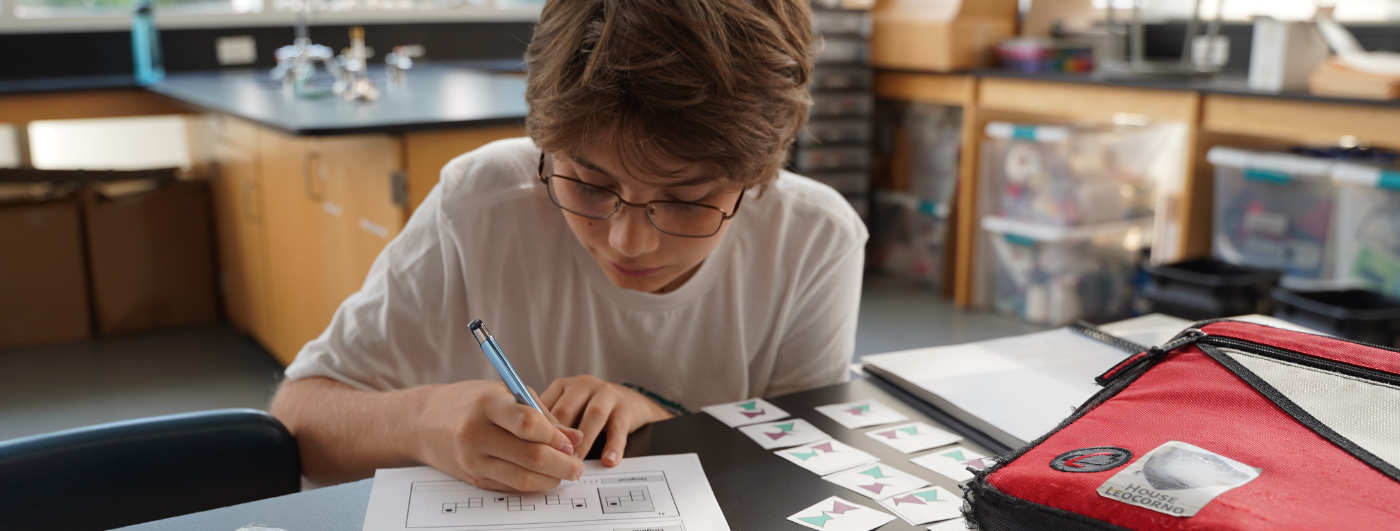
Siena Blog



News
The Siena School Blog
Discover, Learn, Celebrate, and Empower
Welcome to Siena's blog, your source for helpful, cutting-edge resources tailored to teachers, parents, and other advocates in the learning differences community. We are dedicated to providing a wealth of curated knowledge spanning various topics, ranging from dyslexia advocacy and awareness to classroom teaching strategies, heritage month profiles, and social and emotional health.
Discover innovative classroom strategies that inspire creativity and foster a love of learning.
Our commitment to social-emotional wellness ensures that we provide valuable insights into healthy student development and self-advocacy.
Discover resources, reading and podcast recommendations, volunteering opportunities, and more for parents in the LD community.
Our important heritage month posts highlight key people, offer reading and podcast recommendations, and more.
The Virtual Science Classroom: Technology and Tips
May 04, 2020

Siena’s math and science department chair Jennifer Chambers keeps finding ways to develop her distance teaching. Like her colleagues, Ms. Chambers has always integrated technology into her multisensory teaching, which she’s continued to do in her virtual classes.
Zoom has become ubiquitous in distance learning. To increase her accessibility to her students, Ms. Chambers has used a separate Zoom account so she can monitor two breakout rooms at the same time and/or help an individual student in a breakout room while monitoring the whole group. She likens this to having a student approach her while class is in session. Teachers who have access to multiple devices can use them to be more available to their virtual classes and participate in multiple conversations.
Ms. Chambers has also used technology to illustrate scientific concepts she’d otherwise demonstrate in her classroom. See these clips for how she’s made her online teaching even more multisensory by using (1) her iPad as a document camera to illustrate the atomic structure of lithium with household foods and (2) an online whiteboard to practice building atomic structures and hone scientific vocabulary to help students practice their morphology.
See some of Ms. Chambers’s screen mirroring tips for Mac users in this post about the virtual math classroom.
Posted in
Teacher Resources
Inquire About Siena
Curious if Siena is the right fit for your child? Get in touch with our dedicated Admissions Team by clicking below:
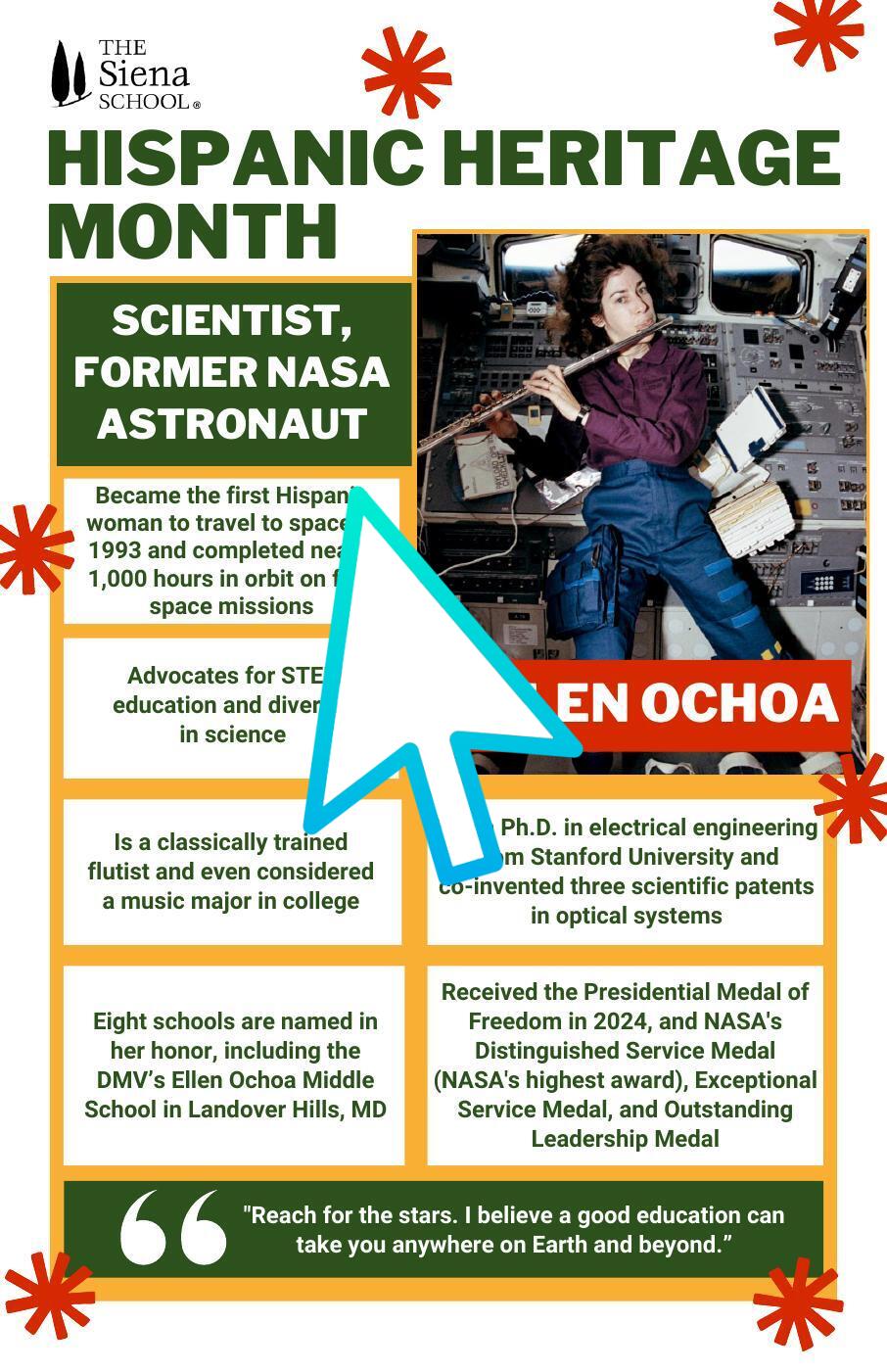
Siena in the News
Curious about all of Siena's newsworthy happenings about our students, faculty and staff, and community? Click below to visit our news page and learn more: